






How To Connect/Pair iPhone XS, XS Max, and XR To Uconnect 4C 8.4″ In Dodge, Chrysler, Jeep & Ram Vehicles
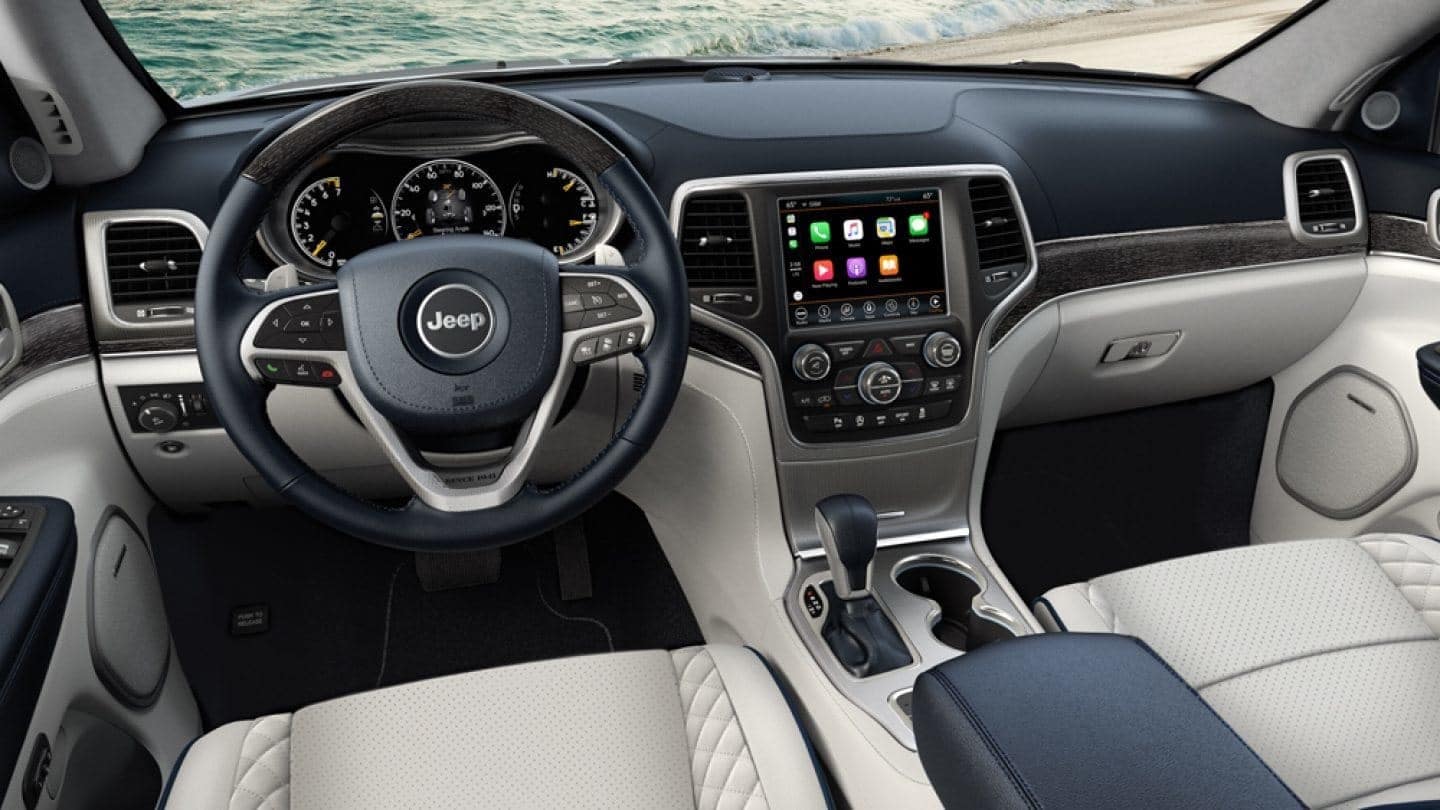
If you’re like most people you’re probably geeking out over the new iPhone XS, XS Max, and XR. You may also be aware that you’re able to connect it to the Uconnect system in Dodge. However, in all the excitement you’ll want to be sure that you’re doing it right. So here’s how to connect your new iPhone XS, XS Max, and XR to your vehicle’s Uconnect.
Step 1: Complete the following steps on the system:
- First, press the ‘Phone’ icon on the Uconnect Touch Screen.
- Press ‘Yes’
Step 2: Complete the following steps in the phone:
- Next, go to your phone’s ‘Settings’ or ‘Options’ under Bluetooth to search for wireless networks.
- Select ‘Uconnect’ as the paired device.
- When prompted on the phone, enter the 4-digit PIN number shown on the Uconnect Touch Screen and accept.
Step 3: Complete the following steps on the system:
- Once paired, you can set your phone as the favorite by pressing ‘Yes.’
- Your phone is now paired and ready for hands-free calling.
- Press the Uconnect Phone button on your steering wheel to begin.