


Kirkland Wa | Rairdon's Dodge Chrysler Jeep Ram of Kirkland
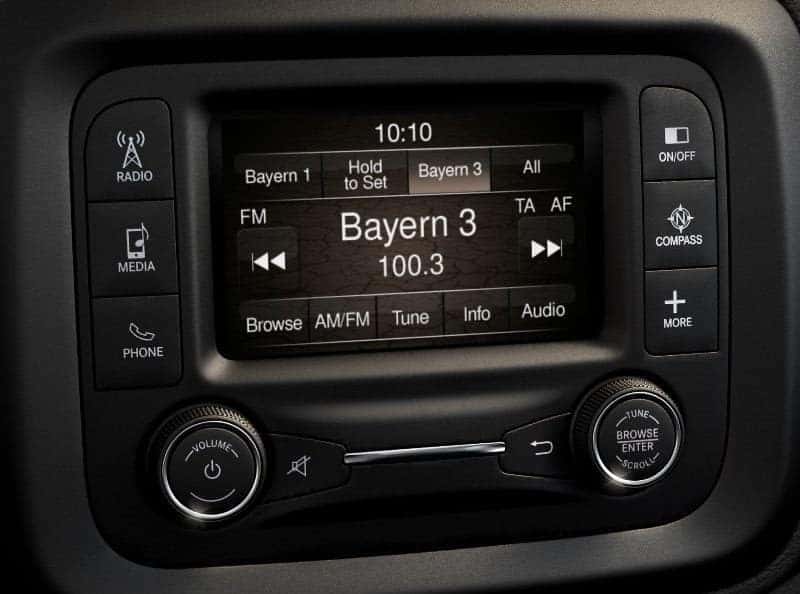
With Uconnect you can quickly and easily pair your Samsung Galaxy S8 with your vehicle. At Rairdon’s Dodge Chrysler Jeep Ram of Kirkland the Uconnect system comes standard on most of our 2017 and 2018 inventory. Pairing your device will allow hands-free audio streaming, texting notifications, and calling features.
To connect your Samsung Galaxy S8 to your Uconnect 3 with 5″ display follow the directions from Uconnect below:
Step 1: On your Uconnect 3 System:
Step 2: On Your Samsung Galaxy S8:
Once connected to the Uconnect system you will be able to stream audio, receive text messages, and make and receive phone calls. You will be able to control all of these functions using the Uconnect’s touchscreen controls, steering wheel mounted radio controls, and hands-free voice recognition.
Your Samsung Galaxy S8 Utilizes the Following Uconnect Features:
| Bluetooth Music | Texting | Calling | Pairing | USB Music |
|---|---|---|---|---|
| Audio Streaming | Notification of Text Messages | Answer a Call | Automatic Contacts Download | Browse |
| Content Metadata | Receive Text Messages | Caller ID | Phone Pairing | Next/Previous |
| Next/Previous | Send Voice Text Reply | Place a Call | Automatic Reconnection | Play/Pause |
| Play/Pause | Voice Texting | Call History Download | Call History Download | |
| Browse | Call Waiting | |||
| Conference Calling | ||||
| Transfer Call to Phone |


